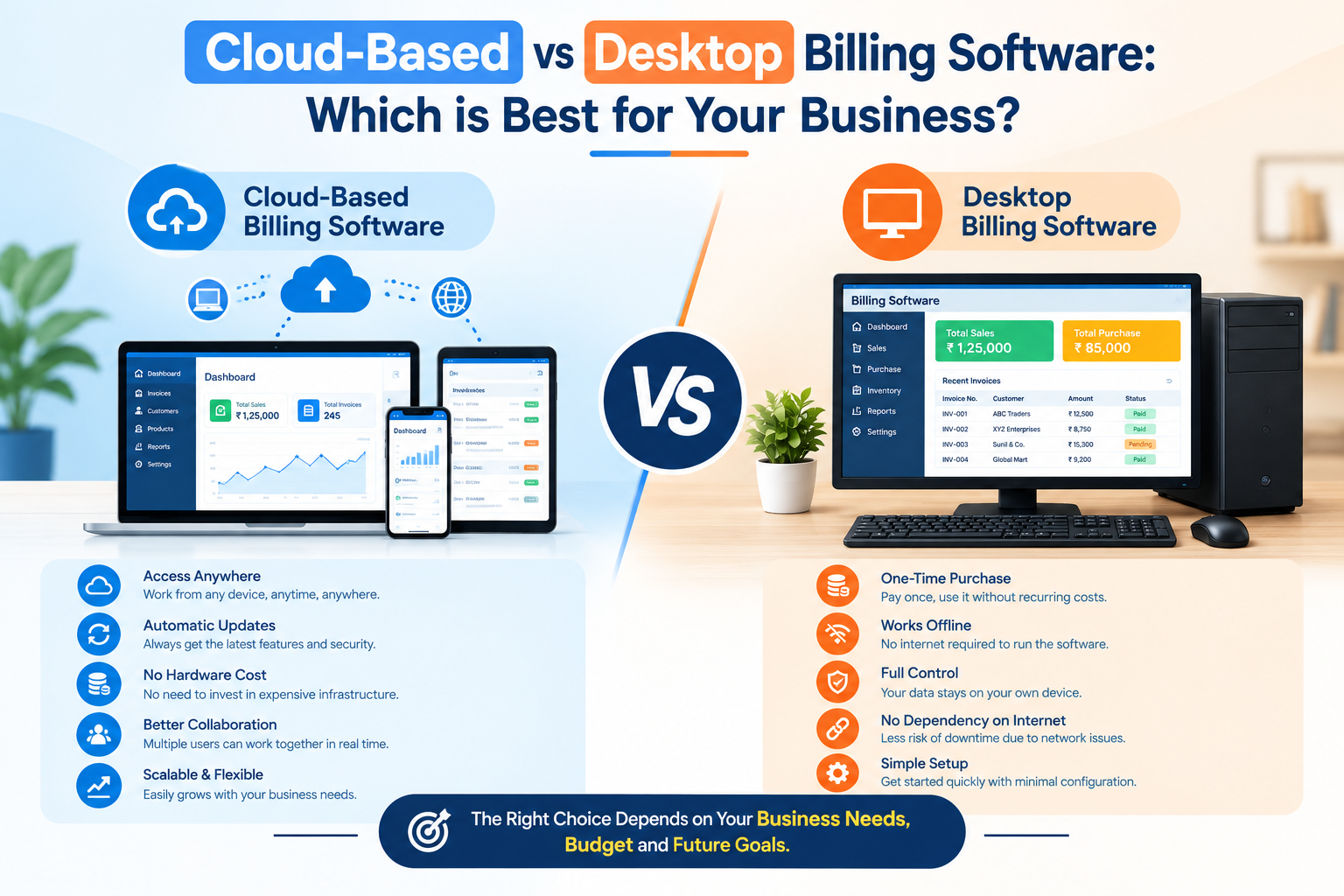
Choosing the right billing and invoicing software is one of the most critical decisions a business owner can make. Invoices directly impact your cash flow, customer trust, and tax compliance. For years, traditional desktop-based billing software was the standard choice. However, with the rapid rise of internet infrastructure and SaaS platforms, cloud-based billing systems have completely changed the landscape.
What is Desktop Billing Software?
Desktop billing software is installed locally on a specific computer or local server network. All your financial data, customer lists, and invoice archives are stored directly on that computer’s hard drive. Users must be physically present at that workstation to generate bills or check financial reports.
What is Cloud-Based Billing Software?
Cloud-based billing software runs on remote servers hosted in secure cloud infrastructure (such as AWS or secure data centers). Business owners and accountants can access the platform securely from anywhere in the world using any web browser or mobile app, with data syncing in real-time.
Key Differences & Comparison
1. Accessibility and Multi-Device Support
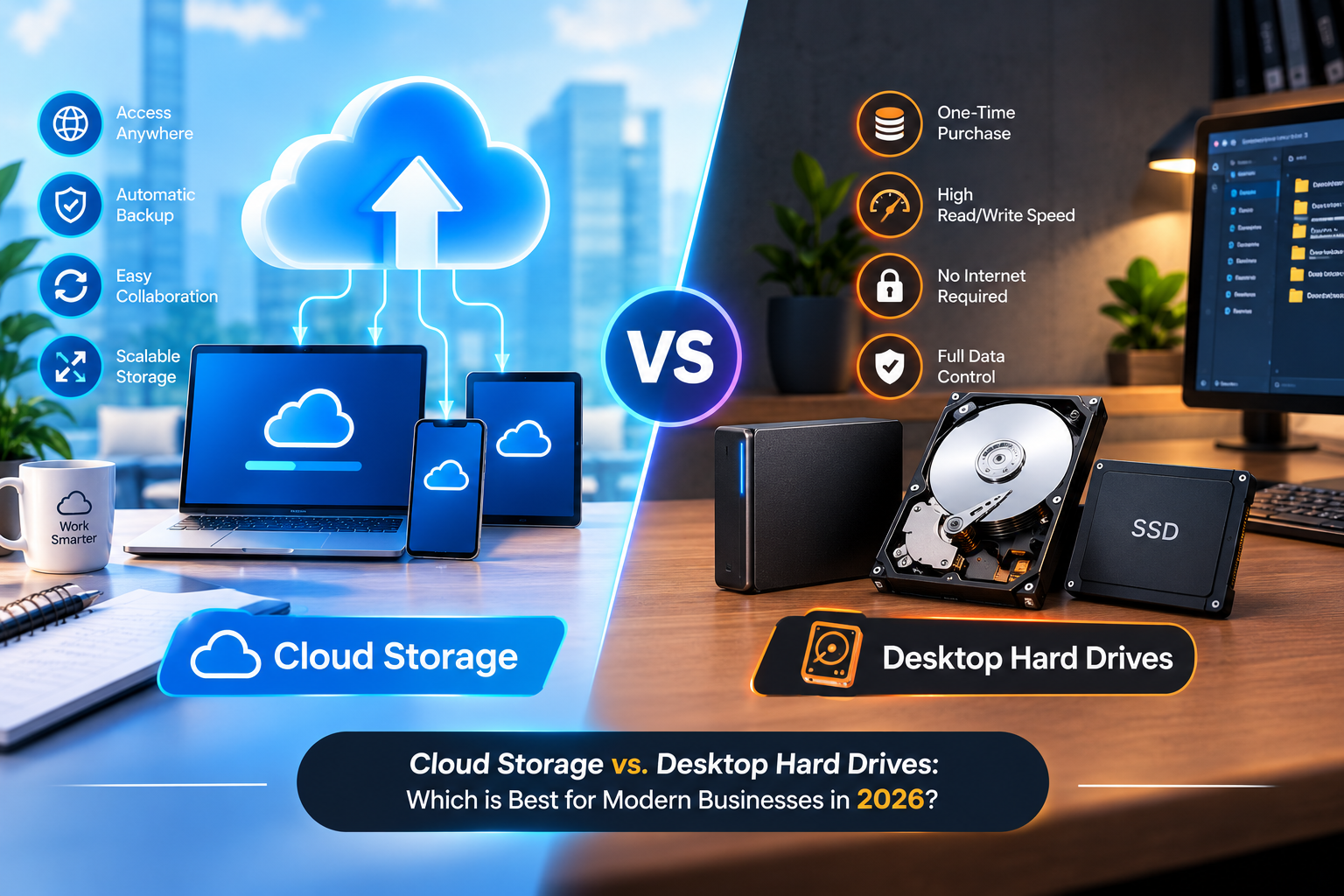
Cloud Software: Wins hands down. You can check invoices, track payments, and generate GST reports from your office desktop, laptop, tablet, or smartphone while traveling.
Desktop Software: Restricted to the specific office PC where it was installed, making remote auditing or traveling approvals nearly impossible.
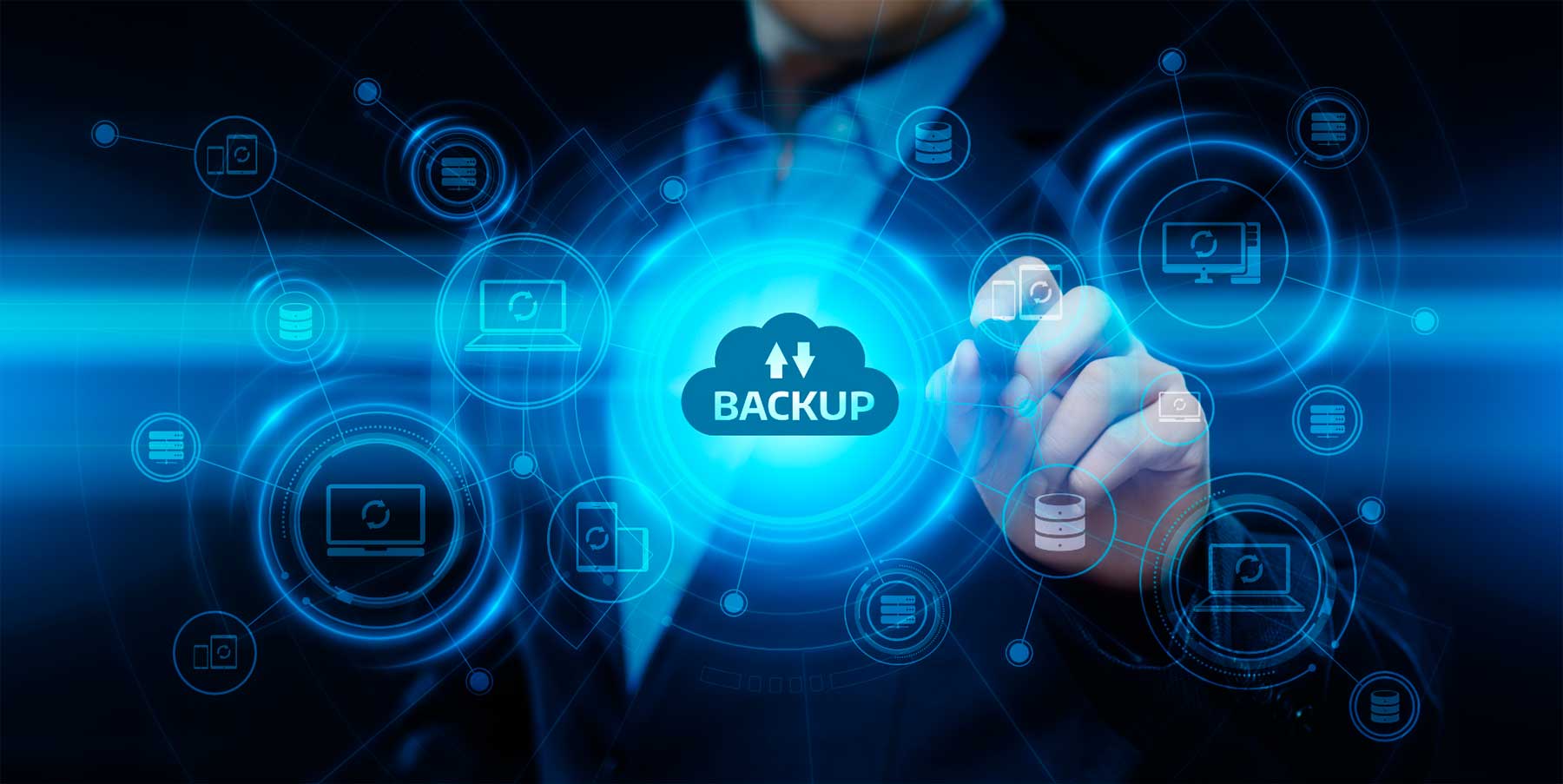
2. Data Security and Backup Safety
Cloud Software: Features automated cloud backups and enterprise-grade encryption. Even if your laptop is stolen or damaged, your financial data remains completely safe on remote servers.
Desktop Software: Vulnerable to physical hardware crashes, hard drive failures, and ransomware attacks unless the user manually copies backups to an external drive every day.
3. Collaboration and Multi-User Access
Cloud Software: Allows business owners, store managers, and remote chartered accountants to collaborate simultaneously on the same portal with role-based access permissions.
Desktop Software: Usually limited to single-user licenses or complex local area network (LAN) setups that are difficult to configure and maintain.
4. Updates and Maintenance Costs
Cloud Software: Software updates, tax slab modifications (like GST revisions), and security patches happen automatically in the background without disrupting your work.
Desktop Software: Requires manual installation of patch files and version upgrades, often incurring extra AMC (Annual Maintenance Contract) fees or technical assistance.
Conclusion: Which One Should You Choose?
While desktop software may suit small, isolated retail counters with no requirement for remote access, cloud-based billing and invoicing software is the definitive winner for modern, scaling businesses. Cloud platforms offer superior mobility, airtight automated backups, and seamless scalability to help your enterprise grow without administrative bottlenecks.